LoongBuy: How to Check Warehouse Arrival Status of Your Items





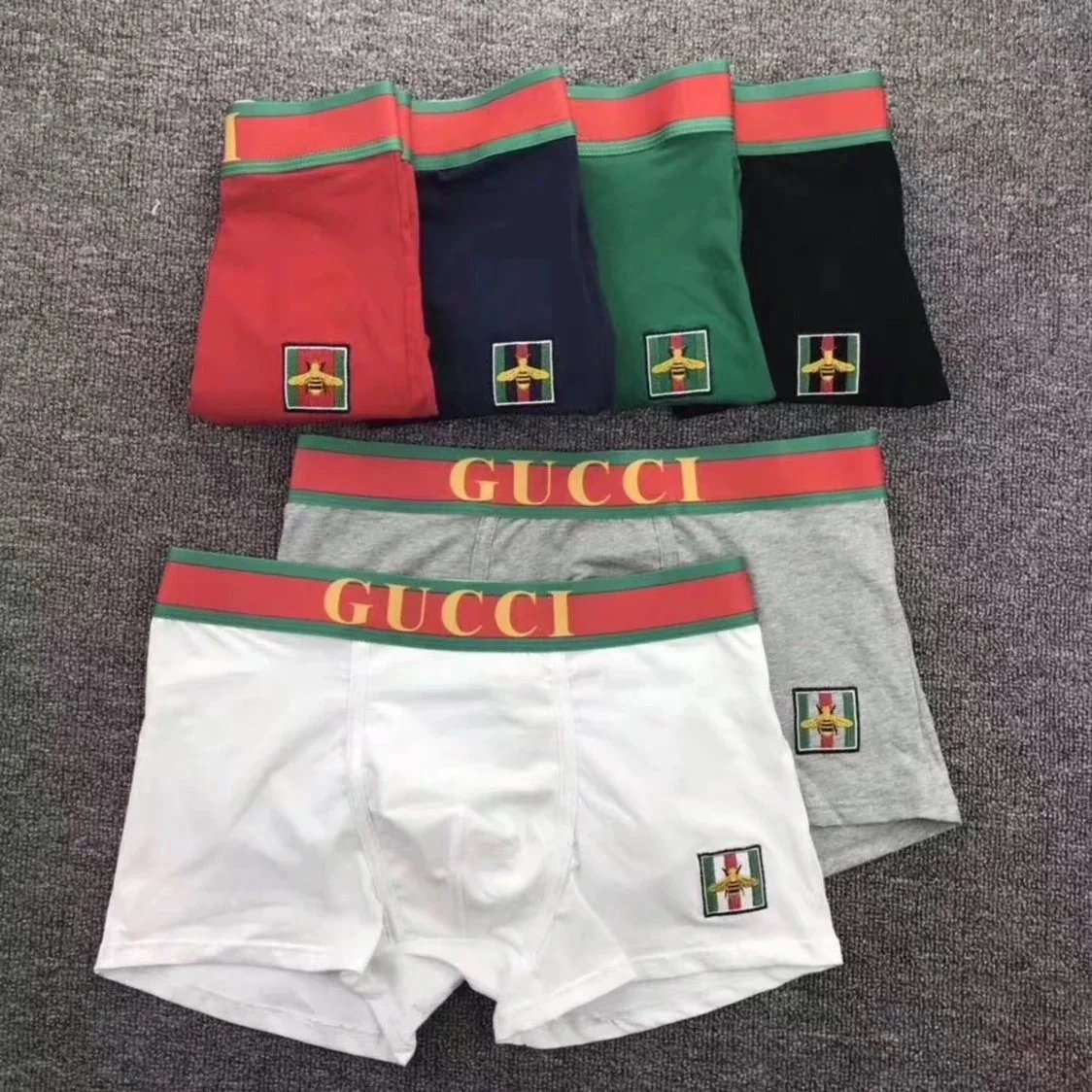
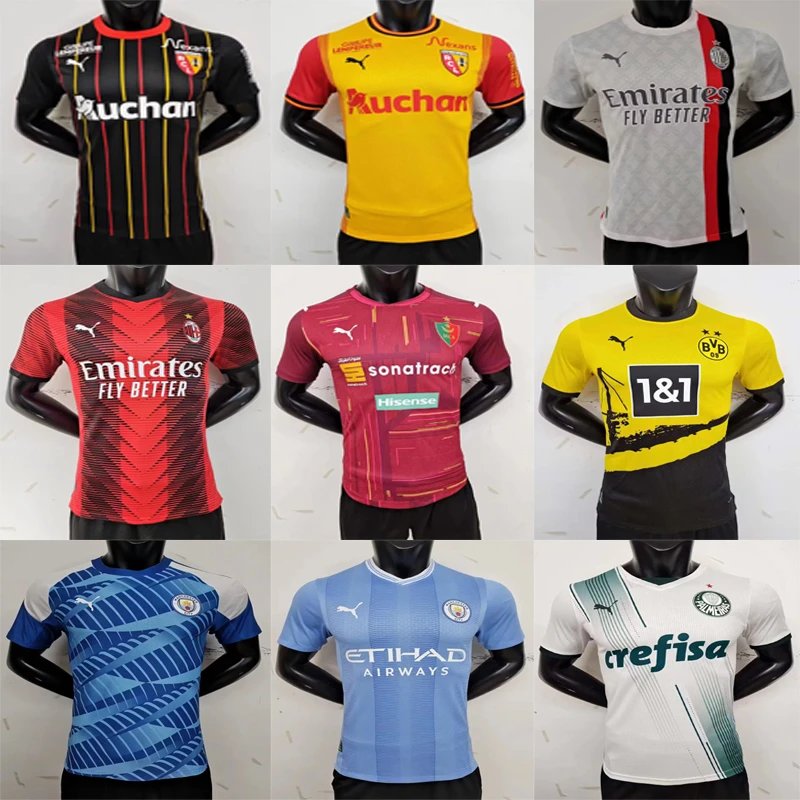

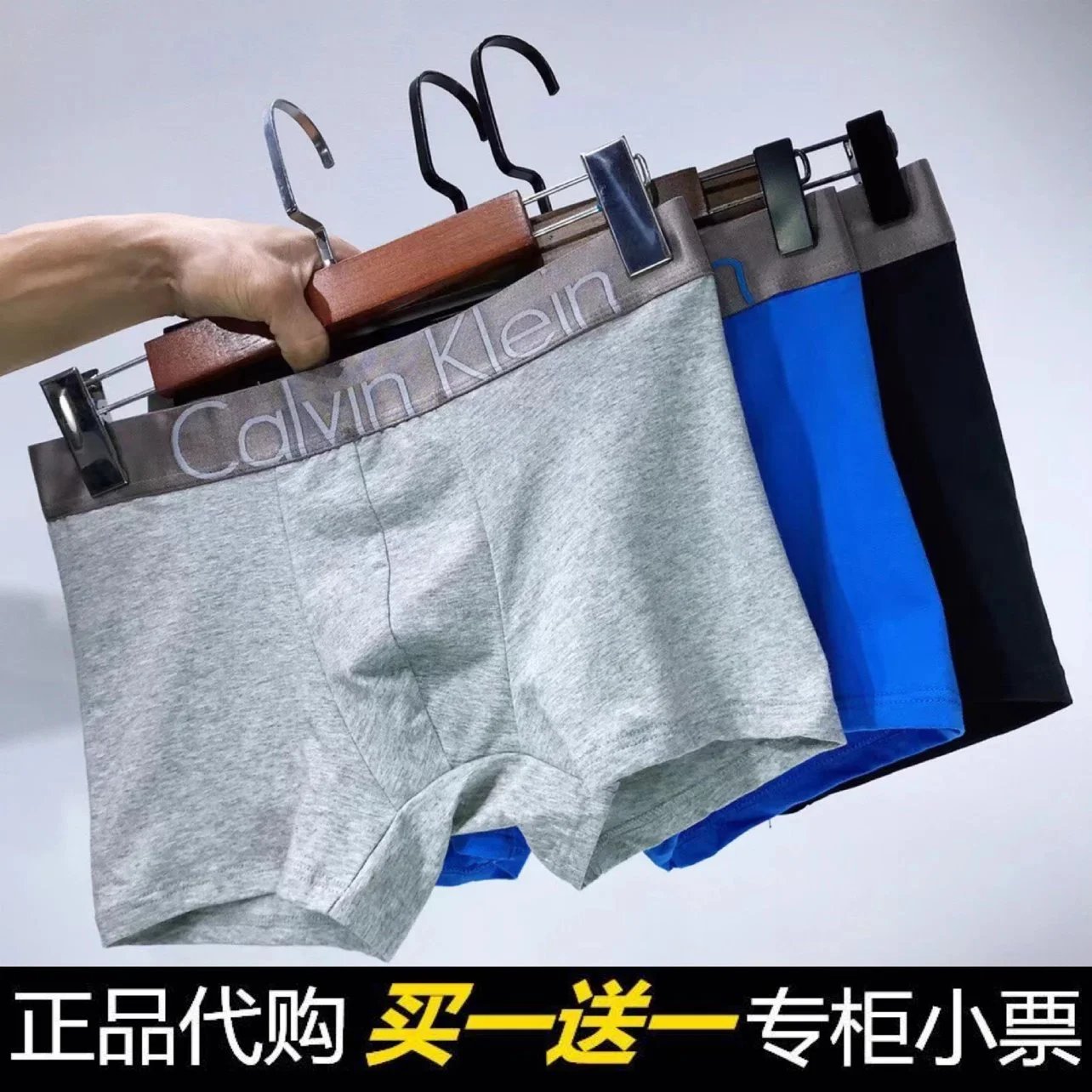
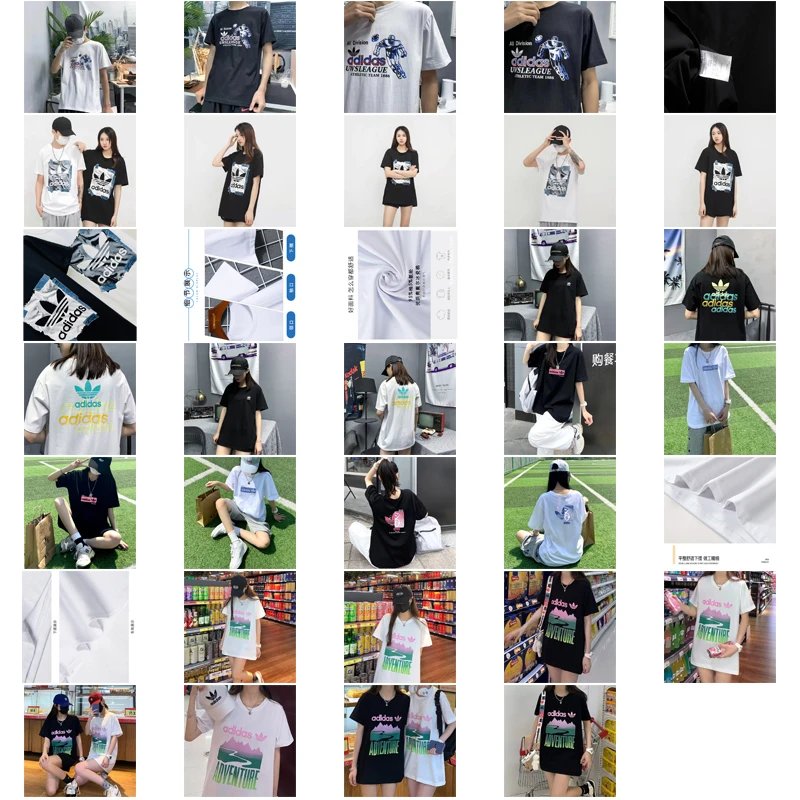


Once your seller ships to LoongBuy's warehouse, tracking your items is straightforward. Follow this guide to monitor progress, confirm arrival, and receive your QC photos.
1
Log in to your LoongBuy account and navigate to "My Orders""Warehouse"
Tip:
2
Once a seller dispatches your item, they will provide a Chinese domestic tracking number (e.g., from SF Express, YTO, ZTO). In your dashboard, you'll see statuses like:
- In Transit:
- Arrived at Facility:
- Out for Delivery:
- Arrived at Facility:
Click the tracking number for detailed updates on the courier's official website.
3
The most critical status update is "Arrived at Warehouse". This means:
- The parcel has been successfully scanned into our warehouse system.
- Our staff will now begin the intake processing.
You will receive a system notification and an email confirming the arrival. The item will now appear in your "Warehouse Storage"
4
After arrival, our Quality Check (QC) team will process your item. Once processed, you will:
- Find new notifications in your dashboard.
- See the status change to "Processed"
- Click the "View Photos"
QC photos typically show the item's exterior, labels, and any potential flaws, allowing you to verify the product before requesting international shipping.
Important: